 BodyLog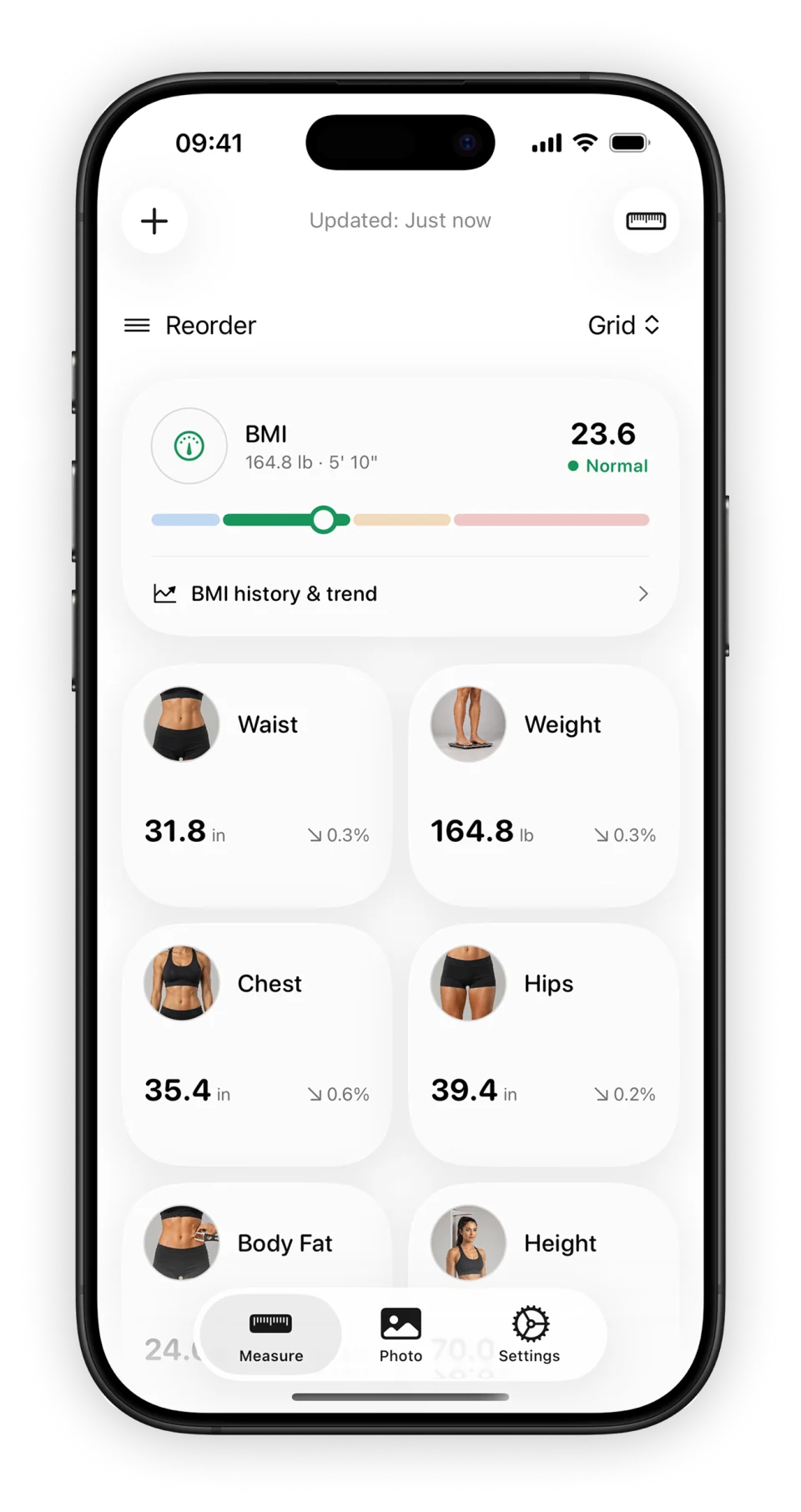
BodyLog brings dated body measurements, charts and progress photos to iPhone and iPad. Record the values you measure, then return to the history when you want to compare entries.
Download BodyLogKeep a measurement history
Log body areas, use metric or imperial units, and review measurements in charts. Custom body areas and measurement goals are also part of the app. Feature access depends on the options available in the app; BodyLog is a free download with in-app purchases.
A useful first record includes a date, a unit and a measurement method you can repeat. Our body measurement guide explains where to place the tape and what to write down.
Compare photos from your own routine
Capture a photo in BodyLog or import one from your photo library, then use side-by-side comparison. Read about BodyLog’s progress photo features or prepare a repeatable setup with the progress photo guide.
The screenshot on this page shows the app in English. Its numbers and charts illustrate the interface; they are not a promise of results.
Connect the parts of your log
BodyLog supports two-way Apple Health sync for weight, height, body fat and waist measurements. The Apple Health page explains the supported types and links to permission help.
Home Screen widgets show measurements and trends. See the widget overview for an example and Apple’s setup instructions.
Start with a blank log
You can use the website’s resources before choosing an app. The printable body measurement chart gives you a dated record on paper. The measurement spreadsheet offers separate metric and imperial logs. Read the app and spreadsheet comparison if you are deciding how to keep your records.
Before downloading
BodyLog supports iPhone and iPad with iOS or iPadOS 18.6 or later. Check the free download and Pro options before making a purchase. For an existing record, photo or purchase problem, use BodyLog support.